Check every paycheck
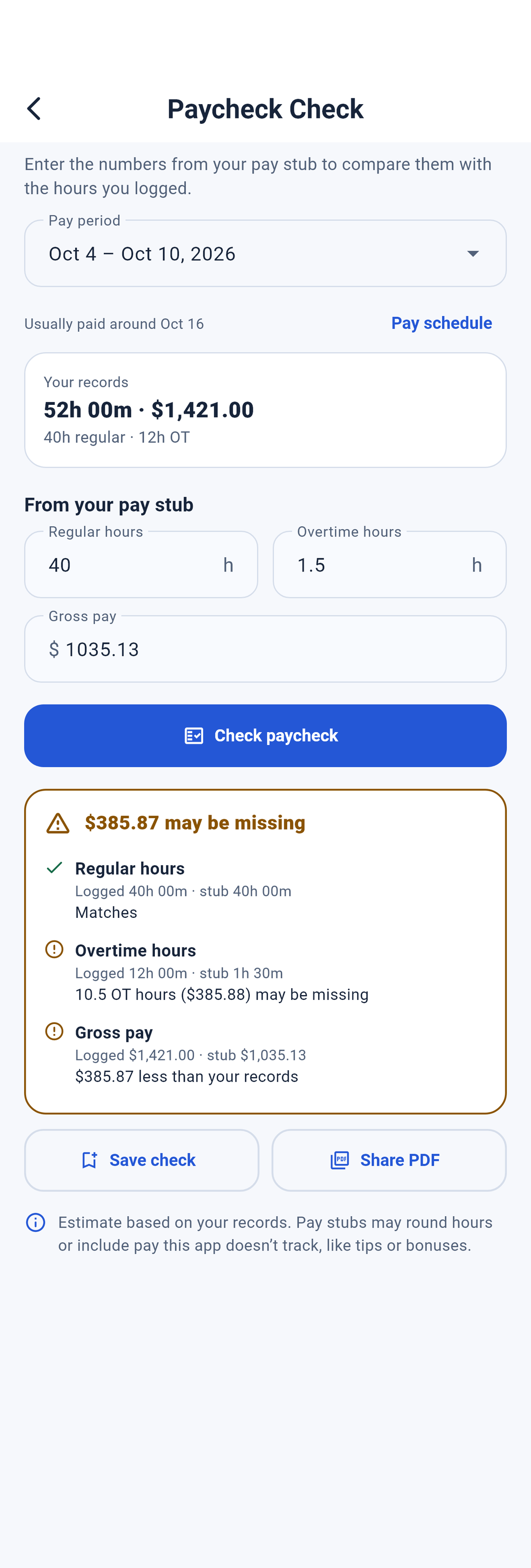
Enter the hours and gross pay from your pay stub and see, line by line, what may be missing.

Get paid for every overtime hour.
Available in United States
Enter the hours and gross pay from your pay stub and see, line by line, what may be missing.
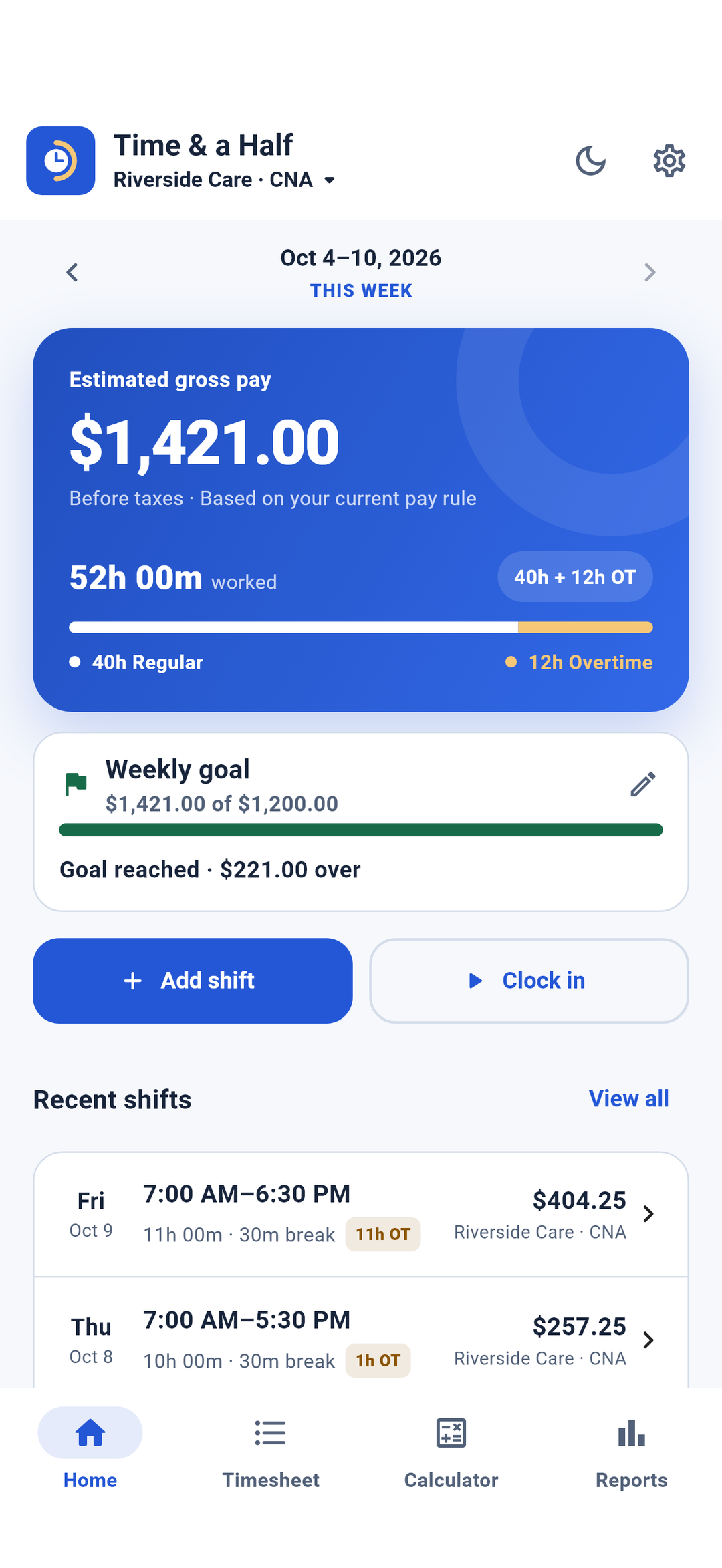
Clock in and out, start and end breaks, and keep a live timer while you are on the clock.
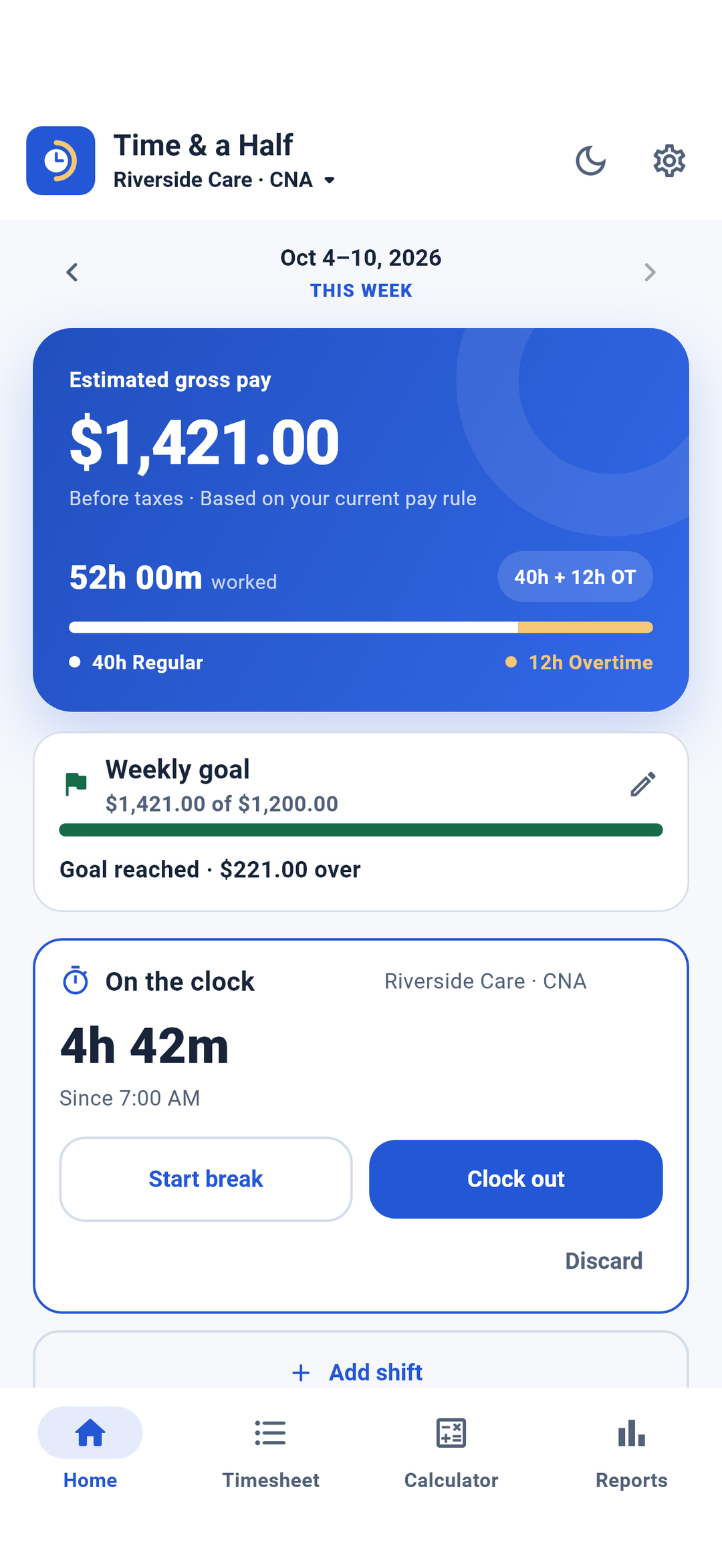
Federal overtime after 40 hours, California daily overtime and double time, plus Alaska, Nevada and Colorado.
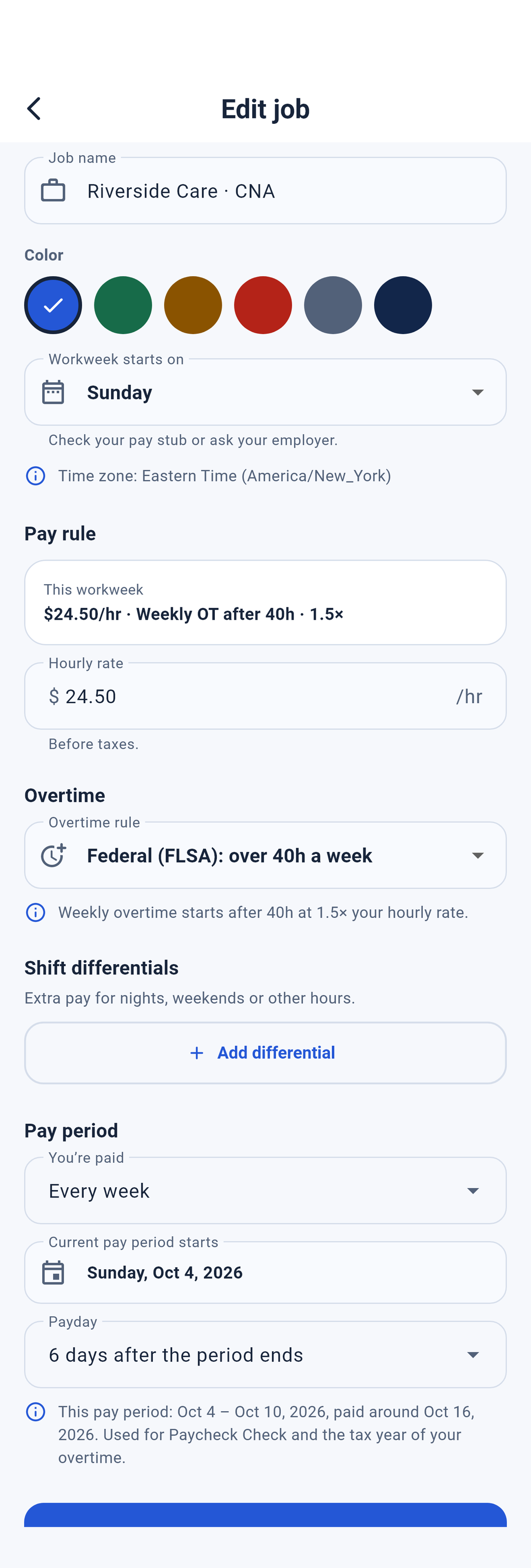
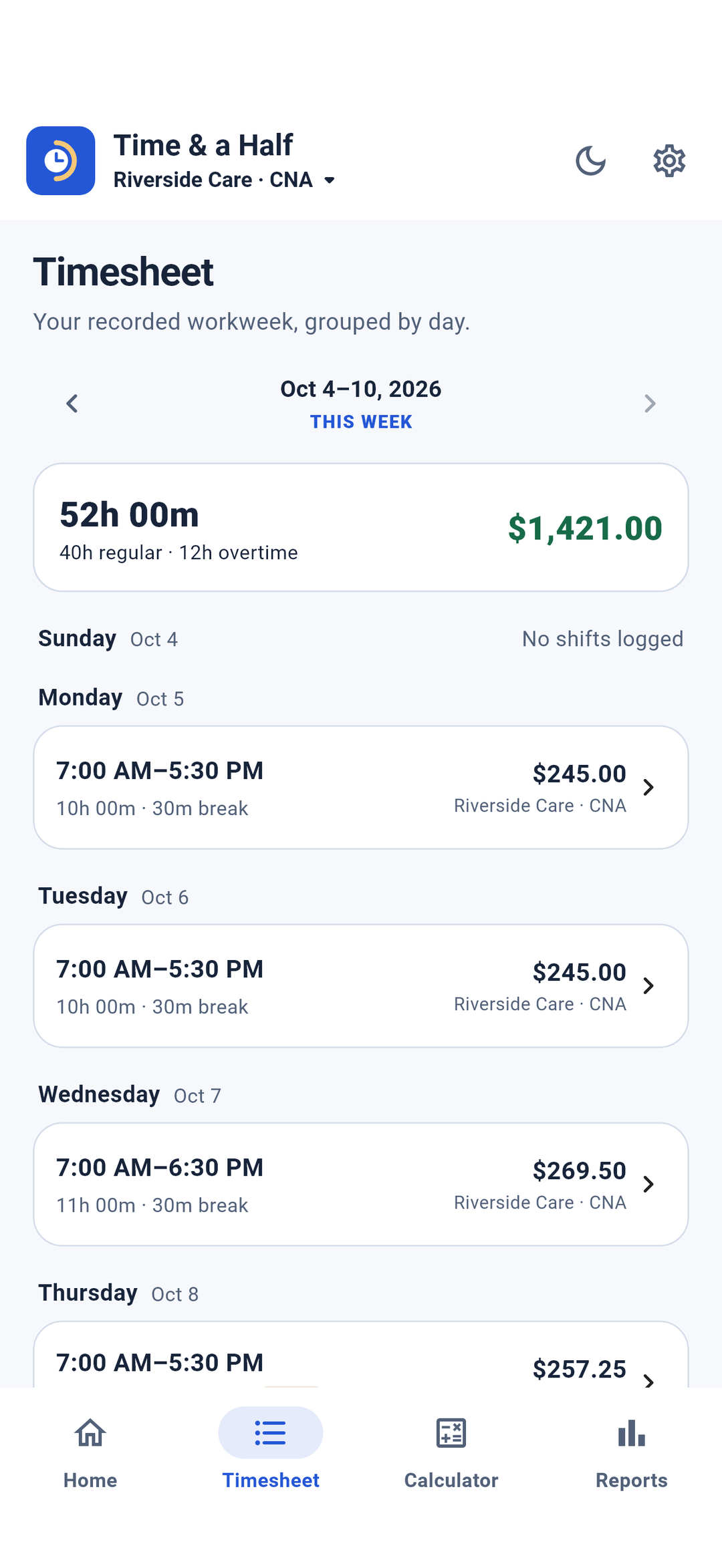
See every shift of the workweek with its hours, overtime and estimated pay.
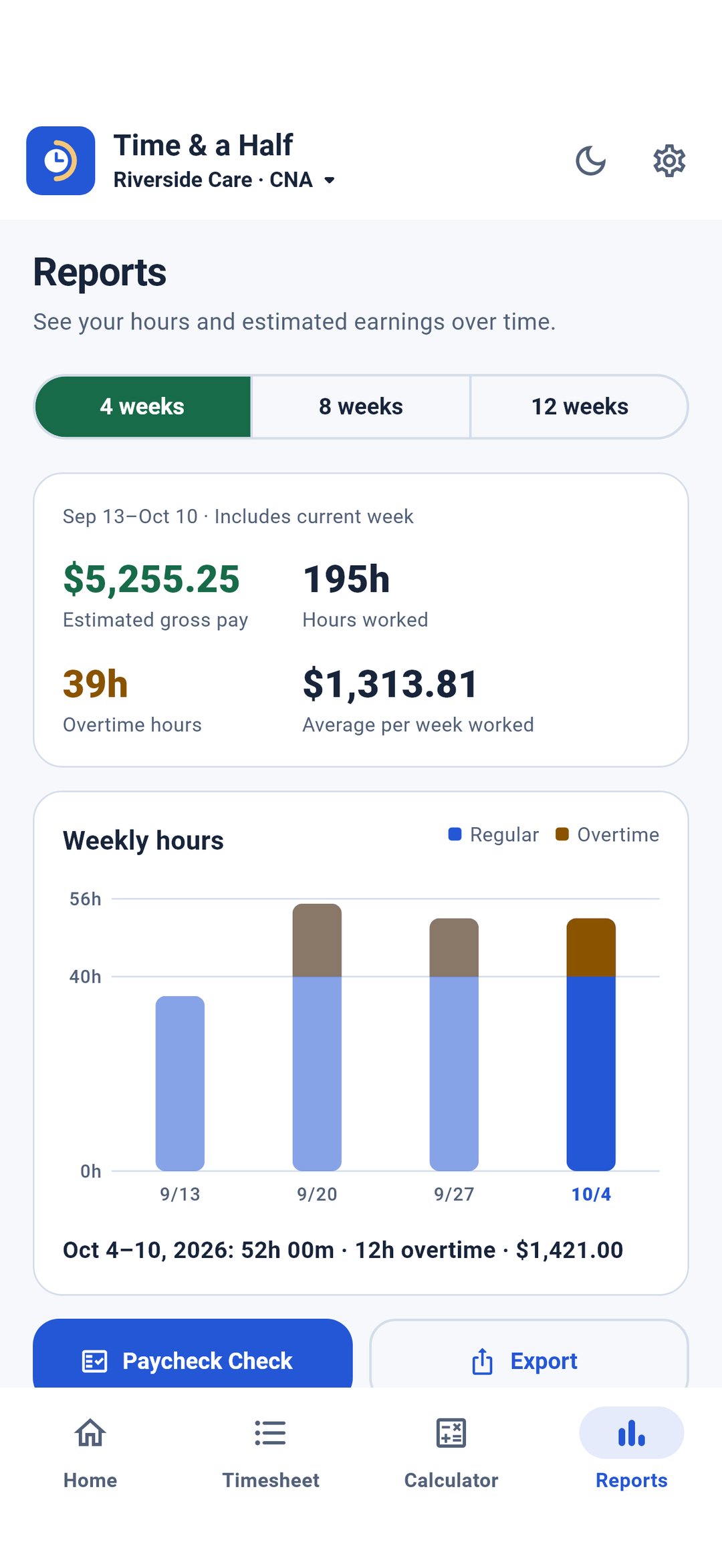
Weekly pay and hours at a glance, with reports for 4, 8 or 12 weeks you can export as CSV or PDF.
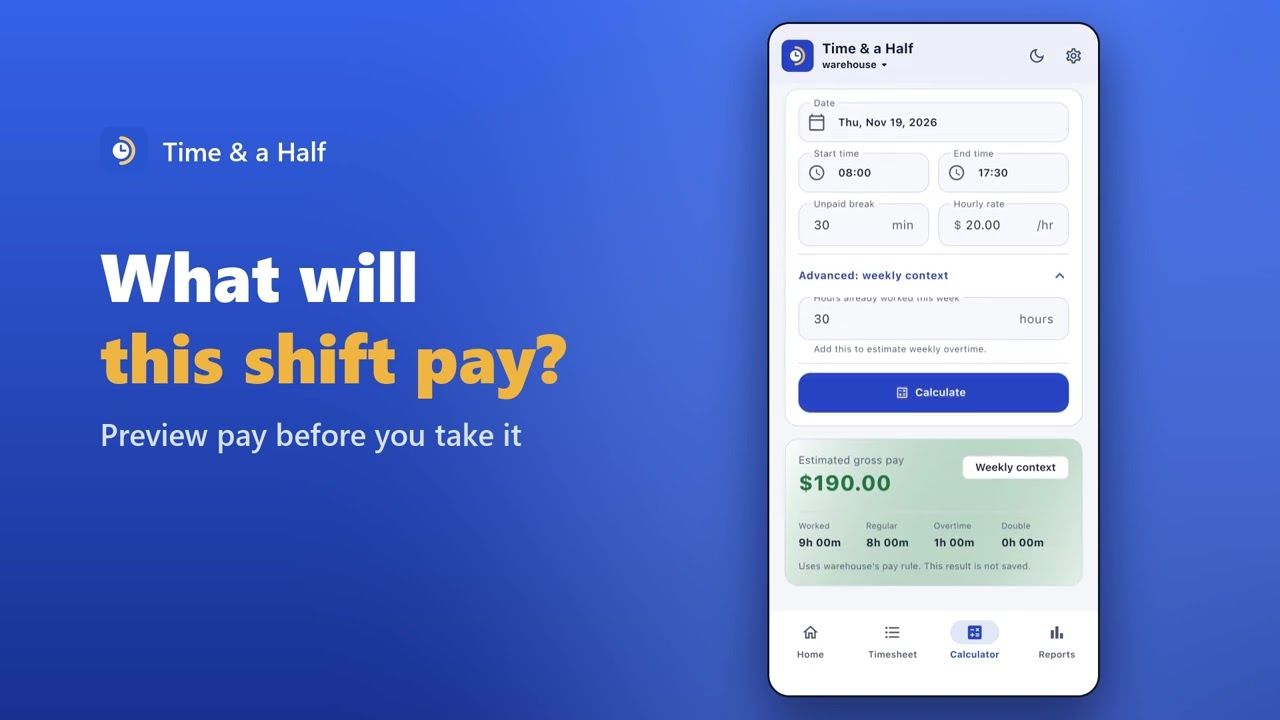
Each job uses the overtime rule you pick: federal (over 40 hours in a workweek) or a state rule with daily overtime and double time, such as California. Overtime is counted per job and per workweek, never across jobs.
The app shows estimated gross pay before taxes and deductions, based on the hours you log. Use Paycheck Check in Reports to compare a pay stub line by line, and share the PDF record with your employer if hours are missing.
The fixed 7 days your employer uses to count overtime, like Sunday–Saturday. Set it per job in Settings. It can differ from your pay period.
In Settings › Backup & restore, share a backup file and save it in the Files app or iCloud Drive. On the new iPhone, open the app and choose Restore from a backup.
Pay shown in the app is an estimate of gross pay. Overtime rules vary by state and employer. Time & a Half is not tax or legal advice.